

Order statuses
Mapping ERP status codes onto the system order statuses.
On this page
When an ERP manages the orders, its statuses are codes — a number or an abbreviation that means nothing to a customer or to the shop. This screen translates them into statuses Monokaido understands.
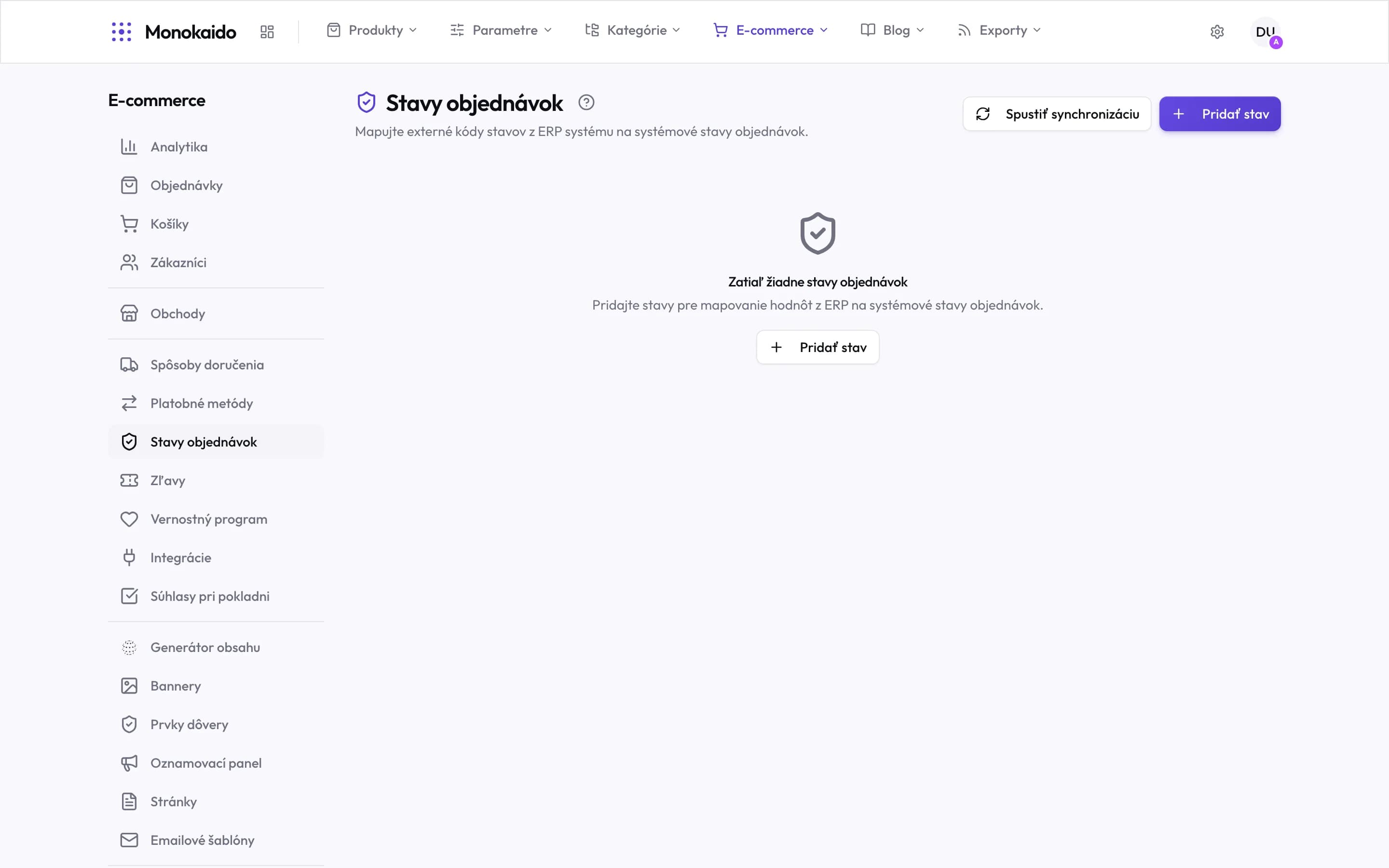
Controls on this screen
- What the screen does — Maps external ERP codes onto the system order statuses. Nothing else.
- Add status — One row is one code translation.
- Run sync — Verifies the mapping now instead of waiting for the next order.
- Empty state — While nothing is here, orders stay in their last known status.
- Where it lives — In the left ecommerce menu, under payment methods.
How the mapping works
One row is one translation. You give the code the ERP sends, a name a person can read, and what that status is to mean for the system.
| Field | What goes in it |
|---|---|
| Name | What you call the status. The only field people read — "ERP Shipped", say. |
| External ID | The exact value the ERP sends: 1, SHIPPED, COMPLETED. It has to match character for character. |
| System status | What follows for the order — this is what the system acts on. |
| ERP configuration | Which connection the mapping belongs to. With several ERPs, this decides whose codes are read. |
The procedure
Find out which codes the ERP actually sends
Not which ones it should. The real values are in the transfer logs, in the response XML from an order sync.
Add a status for every code
A code with no mapping is a code the system cannot place.
Assign the system status
This is where what happens to the order is decided.
Run a sync
With the button on the screen. That verifies the mapping now rather than at the next order.
I deleted a status — what happens to the orders?
They keep their current status. Only the translation for future syncs is gone.
The screen is not in my menu.
It belongs to the ecommerce module and is only meaningful with an ERP connection set up.
Can two ERP connections use the same code?
They can. That is why the row carries a configuration — the same "1" can mean different things in two systems.