

Payments
Payment methods, connecting a payment gateway, fees, and what happens when a payment fails.
On this page
A payment method is what the customer sees at checkout. Some have an external gateway behind them; others have nothing — cash on delivery and bank transfer are only an arrangement.
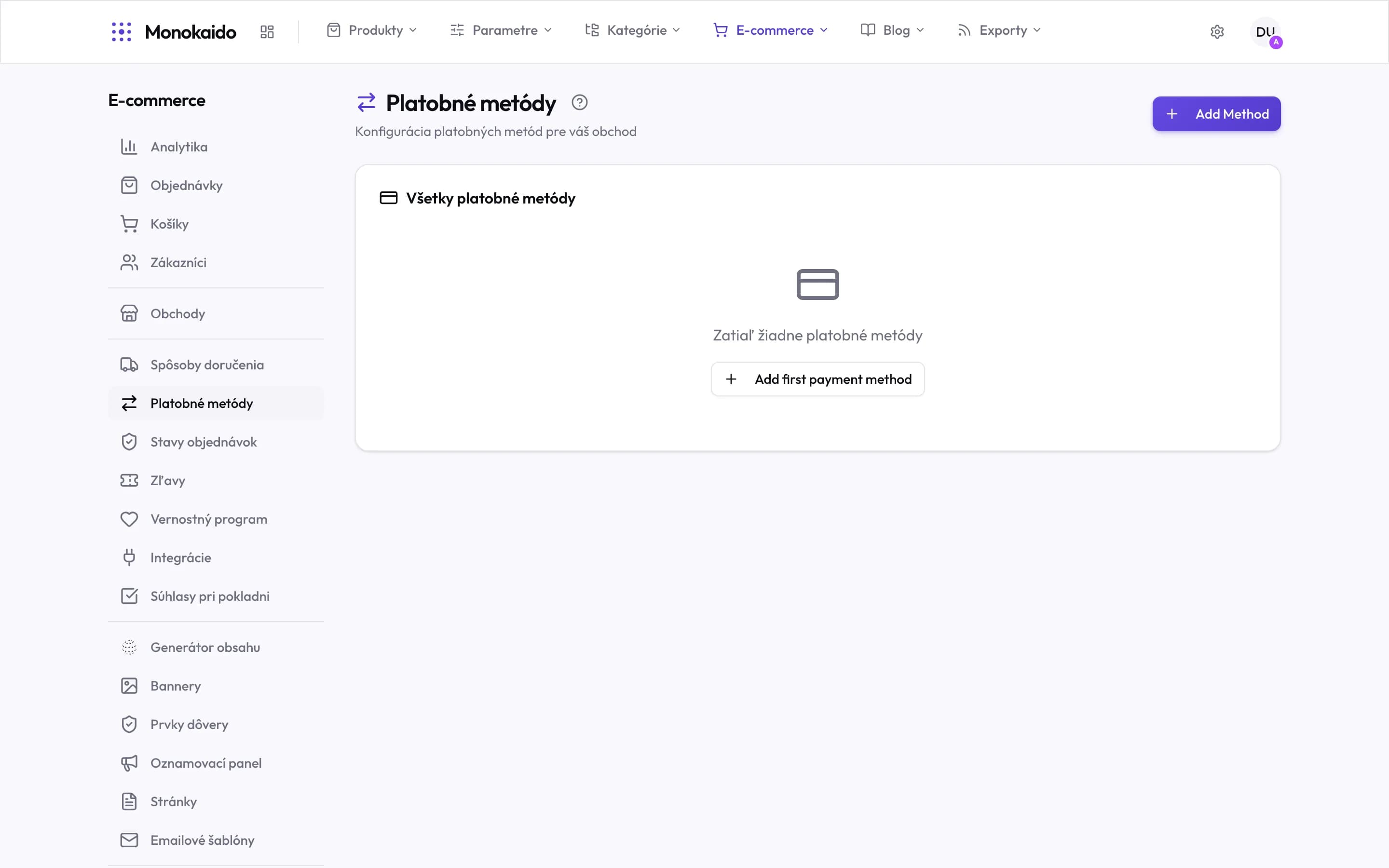
Controls on this screen
- Where it lives — In the left ecommerce menu, directly under shipping.
- Add method — A new payment method.
- All payment methods — The list of what the customer meets at checkout.
- Empty state — With no payment method an order cannot be paid — set this up alongside shipping.
Kinds of method
| Method | When it counts as paid | What to configure |
|---|---|---|
| Card via gateway | At the point of order; the gateway confirms it itself. | The gateway (Stripe, GoPay, Besteron or Payout) and its credentials. |
| Bank transfer | When the money arrives — someone marks it. | The account number and the text shown to the customer. |
| Cash on delivery | On handover; in the system it stays unpaid until settled. | The COD fee, if you charge one. |
| Payment on collection | At personal pickup. | Usually tied to a specific shipping method. |
Connect the gateway in Shop integrations, then pick it under "Use configured integration" when you add a method. Credentials can also be entered on the method itself.
Configuring a method
| Field | What it does | Note |
|---|---|---|
| Name | What the customer reads at checkout. | Write it in their language, not as an internal code. |
| Surcharge (fixed) and Surcharge (%) | A surcharge on the order: a fixed amount, a percentage of the value of the goods, or both. | Shown as a separate line. For another currency, set it under “Surcharges by currency”. |
| Instructions | The text the customer sees once the order has been placed. | For a bank transfer, this is where the account number goes. |
| Storefront Targeting | Which shops offer the method. | Leave it empty for every shop. |
| Display Order | The sequence methods appear in. | The first method is the most-chosen one — that is not a coincidence. |
Which shipping a method goes with is not set here but on the shipping method, under “Payment Methods”. If none are selected there, all of them are offered. A method assigned to no shipping method is offered with every one. That is how you keep cash on delivery away from personal pickup, for instance.
The method does not appear for the customer.
Check that the method is active and that storefront targeting does not reserve it for another shop. Then look at the chosen shipping method: if it has specific methods selected under “Payment Methods”, it offers only those, plus the methods assigned to no shipping method at all.
The money arrived but the order is unpaid.
On a bank transfer the system cannot know — someone marks the payment status by hand.
How do I refund?
Refunds are performed at the gateway; the system reflects it as payment status refunded.