

Subvendors
Supplementary data sources for existing products — matching, value precedence, and priority.
A subvendor is a data source that creates no products. It solves a familiar situation: you sell through a wholesaler whose feed carries prices and stock but thin descriptions and no technical parameters — while the manufacturer publishes a catalogue with exactly what is missing.
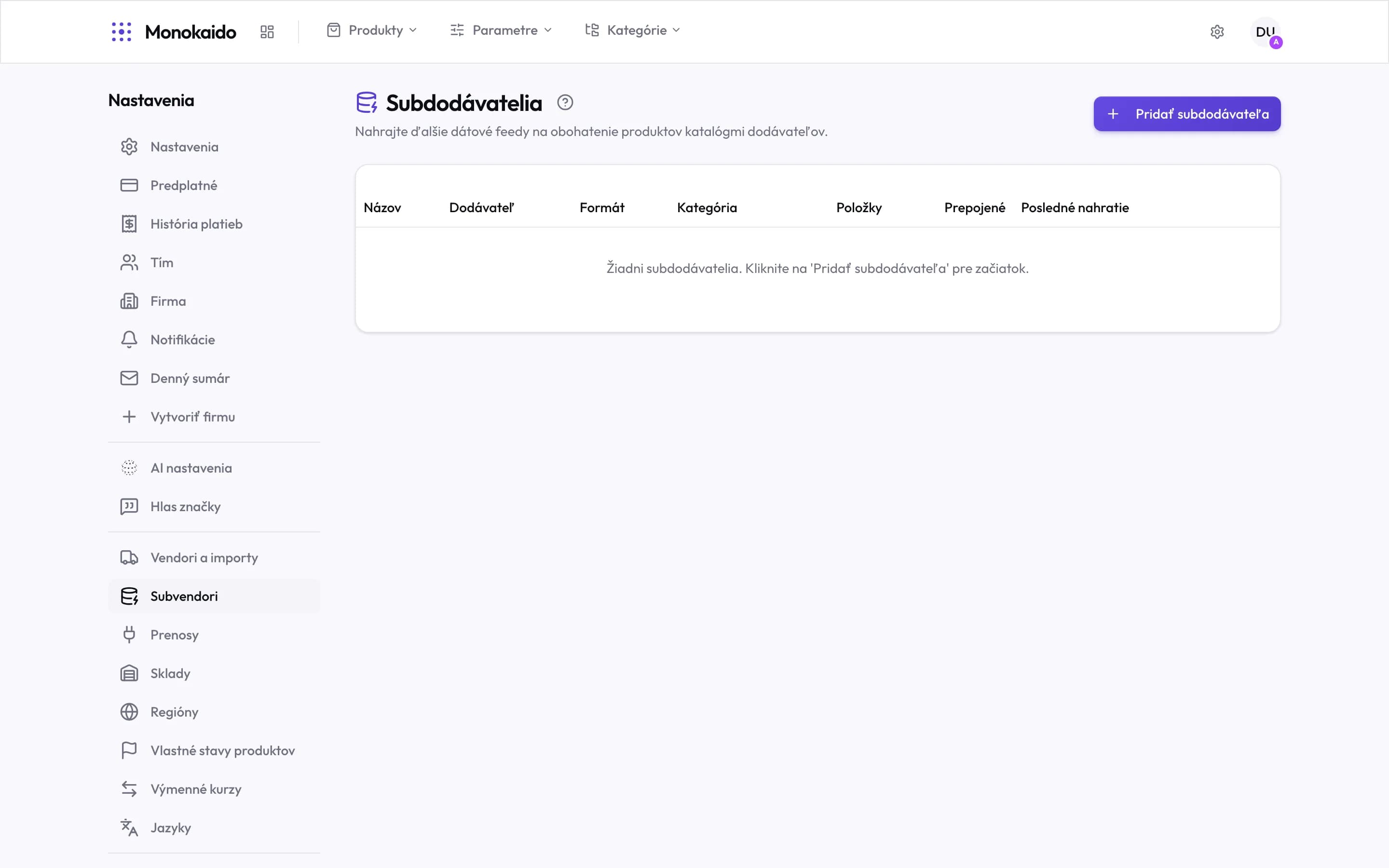
Controls on this screen
- Add subvendor — Uploading a supplementary feed or catalogue.
- Vendor — Which main vendor the data attaches to.
- Format — The shape the data arrived in.
- Items — How many records the subvendor holds.
- Linked — How many of them actually matched a product. The gap against "Items" is the unused part.
- Last upload — Subvendor data is usually not downloaded automatically — you refresh it.
How the data joins
Upload the subvendor data
A manufacturer catalogue, a price list, a technical sheet.
Set the matching
What a record is joined to a product by — most reliably the GTIN, then the manufacturer code.
Check the result
The matching screen shows what joined and what was left aside.
Set the priority
Which source wins when both have the same field filled in.
How is this different from a vendor?
A vendor creates products. A subvendor only enriches them.
Few items matched.
Check the matching field. If one side has no GTIN filled in, matching on it is impossible — try the manufacturer code.
Will a subvendor overwrite my manual edits?
No. Values marked manual take precedence over every automatic source.