

Parameter translations
Translating parameter names and values into the shop's languages — in bulk or one by one.
Available to roles Admin, EditorOpen in the app (Opens in a new tab)
Selling in several languages takes more than translated products. A customer filters by parameters, so both the parameter name ("Colour") and its values ("black") have to be translated too. This screen handles both.
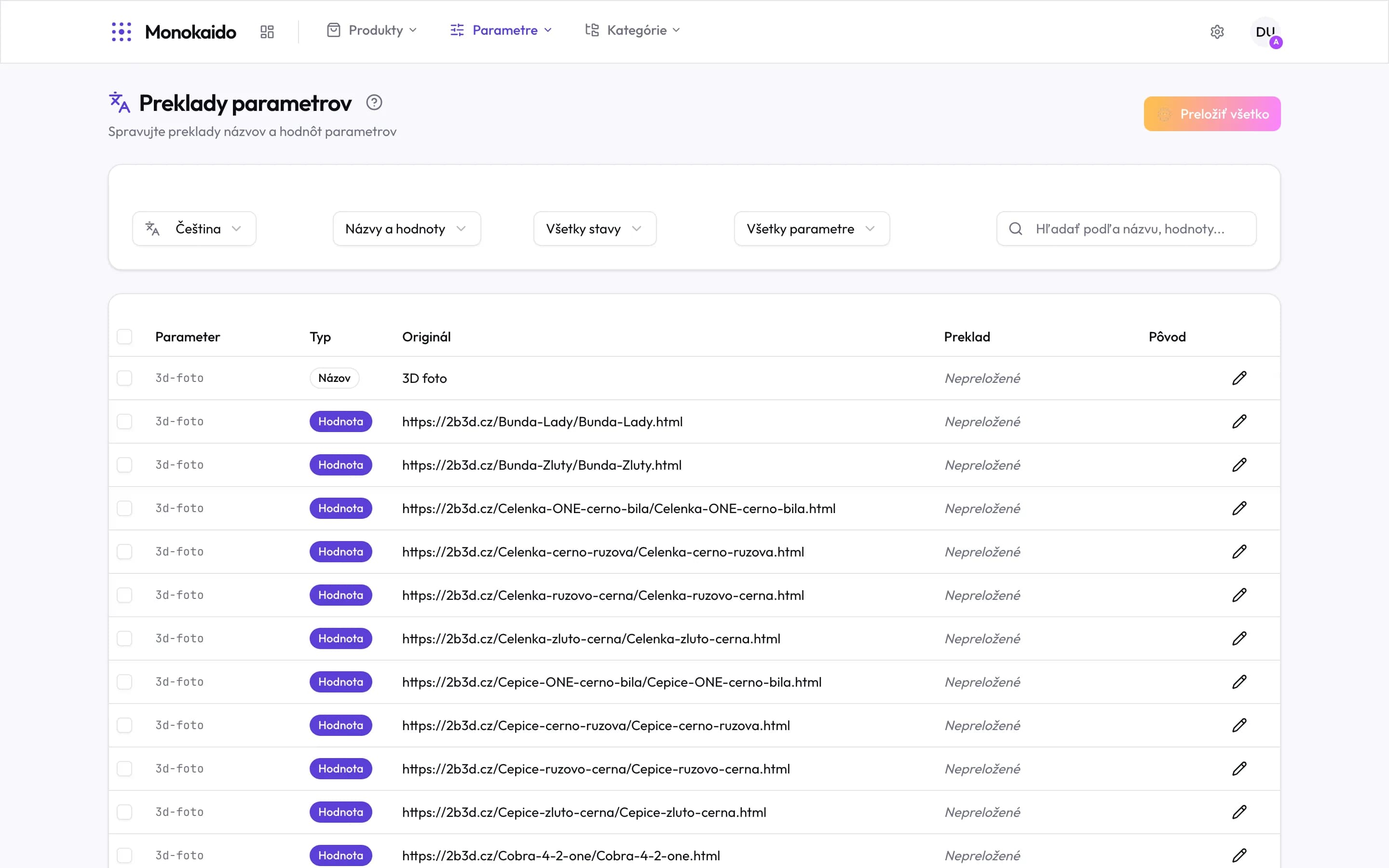
Controls on this screen
- Translate everything — A bulk AI translation for the chosen language and filter. It works through what is untranslated.
- Target language — You always translate into one language. The whole screen switches with it.
- Names and values — Whether you are working on parameter names, values, or both.
- State — Leaves only the untranslated — that is the queue of work.
- Parameter filter — Narrows to one parameter. Practical when translating one at a time.
- Row selection — Ticking rows chooses specific strings for a bulk translation.
- Type "Name" — The row is a parameter name — translated once and true for the whole catalogue.
- Type "Value" — The row is one parameter value. There are orders of magnitude more of these than names.
- Original — The text in the source language.
- Translation — "Untranslated" means the shop will show the original.
- Edit — Correcting one translation by hand. It overrides what the AI proposed.
Names versus values
| Type | How many | Priority |
|---|---|---|
| Name | As many as you have parameters — dozens to hundreds. | High. An untranslated name is in front of the customer on every filter. |
| Value | As many as there are distinct spellings — thousands. | Lower, and not all are worth translating: numbers, codes and dimensions read the same in every language. |
Which languages are offered?
The ones you have switched on in Settings → Languages (Opens in a new tab).
The AI translation is inaccurate.
Correct it with the pencil in its row — a manual translation takes precedence and later runs do not overwrite it. For a term that recurs, work through them in one pass using the parameter filter.
Are product names and descriptions translated too?
Yes, but elsewhere — on the product detail and through bulk actions in the product list. This screen deals strictly with parameters.