

Tags
Free-form labelling of articles across sections.
A tag is the second axis. Where a section says where an article belongs, a tag says what it is about — and an article can carry several.
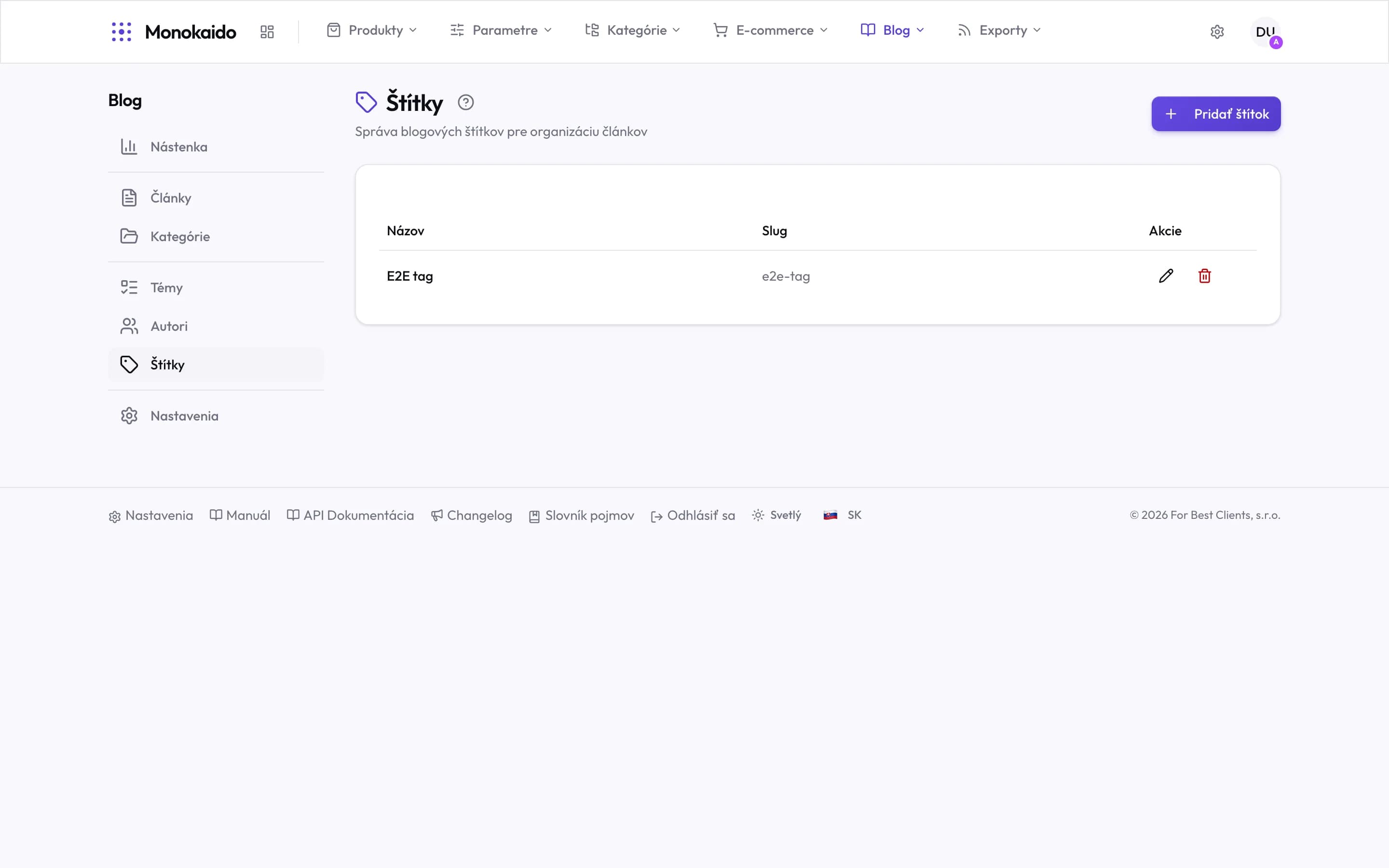
Controls on this screen
- Add tag — A new tag. A name is enough; the slug follows.
- Name — The reader sees this. A tag names a theme across categories — "winter care" belongs to bikes and to clothing alike.
- Slug — The address of the tag's listing in the shop.
- Actions — Edit and delete. Deleting a tag does not delete articles.
When a tag and when a section
| Question | Section | Tag |
|---|---|---|
| How many does an article have? | Exactly one. | As many as you like. |
| Is it in the blog's navigation? | Yes. | Usually not — it serves related-article links. |
| Example | "Guides" | "winter maintenance", "carbon", "for beginners" |
I deleted a tag. Did the articles go too?
No. The articles remain; they simply lose that label.
How many tags per article is sensible?
Three to five. Twenty tags means the article is not about anything in particular.