

Storefront preview
How a category and its products look to a customer — before any of it goes live.
Available to roles Admin, Editor, ViewerOpen in the app (Opens in a new tab)
All the work on categories, parameters and mappings has one purpose: that it makes sense to a customer. The preview is the shortest way to check — without switching to the shop, and without publishing anything.
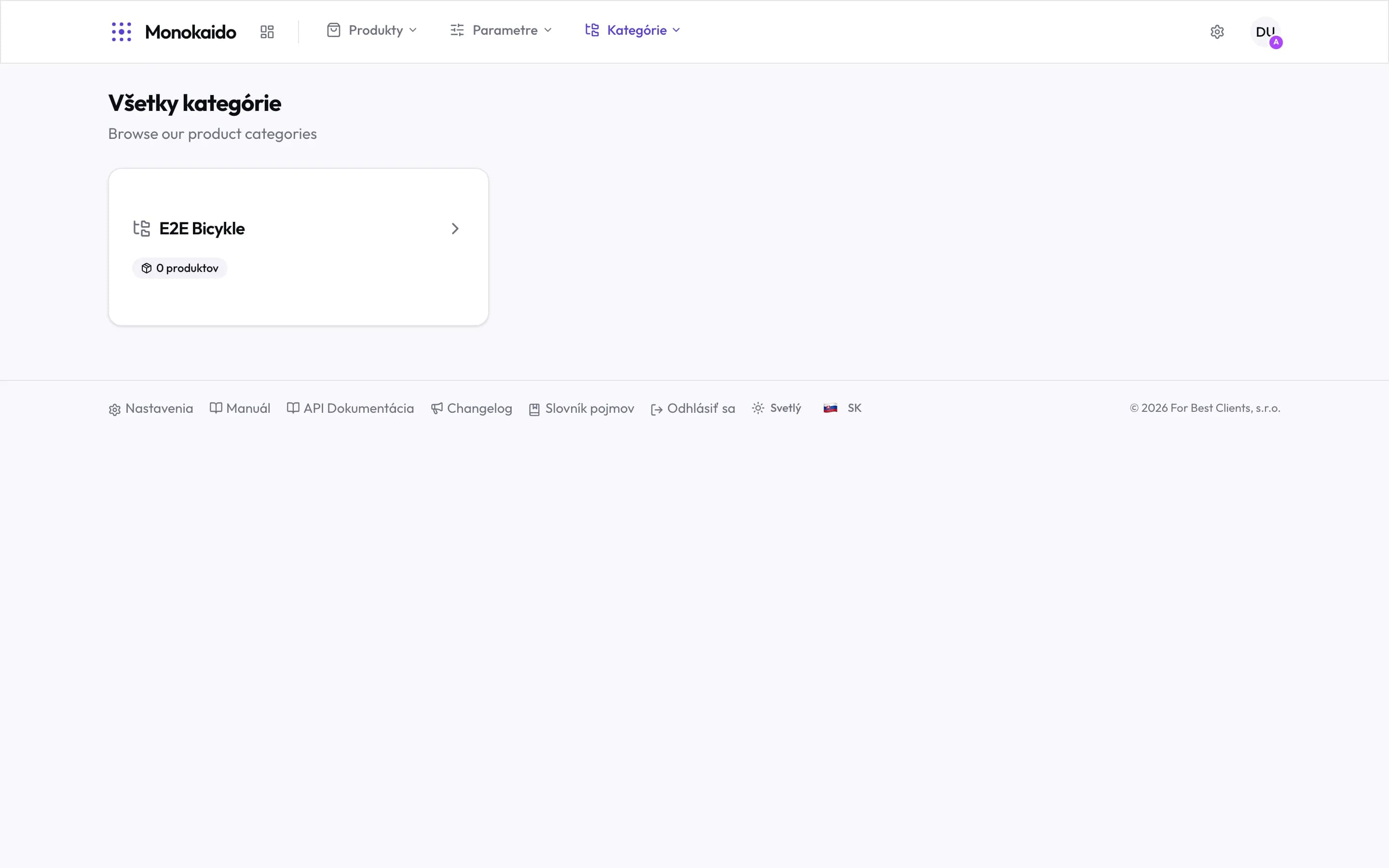
Controls on this screen
- The customer's view — This is not the admin — it is the shop. Which is why your internal codes and statuses are absent.
- Category — Your category, not a vendor's. Feed branches never appear in the shop.
- Product count — How many products a customer finds there. Zero is the most useful number on this screen.
- Enter the category — Clicking through gives the product listing with its filters, as in the shop.
What the preview reveals
| What you see | What it means | Where to fix it |
|---|---|---|
| A category with zero products | Either nothing files into it, or its products are hidden. | Category mappings |
| A category missing entirely | It is inactive, or one of its ancestors is. | The category tree |
| A filter offering three "blacks" | The parameter's values are not unified. | Value mappings |
| A filter missing altogether | The parameter is not marked filterable and visible in the shop. | The shop settings for that parameter. |
The preview shows fewer categories than the tree.
Exactly as it should. The tree includes vendor branches and inactive categories; the preview shows only what is visible in the shop.
I can see a product here I would rather not sell.
Hide it on the product detail, or use a rule if it is a whole group.