

X Sales
Cross-selling and accessories: which products are offered together and how the links are made.
Available to roles Admin, EditorOpen in the app (Opens in a new tab)
X Sales answers "what else should we offer". Not by linking product to product by hand — at tens of thousands nobody would ever finish — but with rules that apply to whole groups.
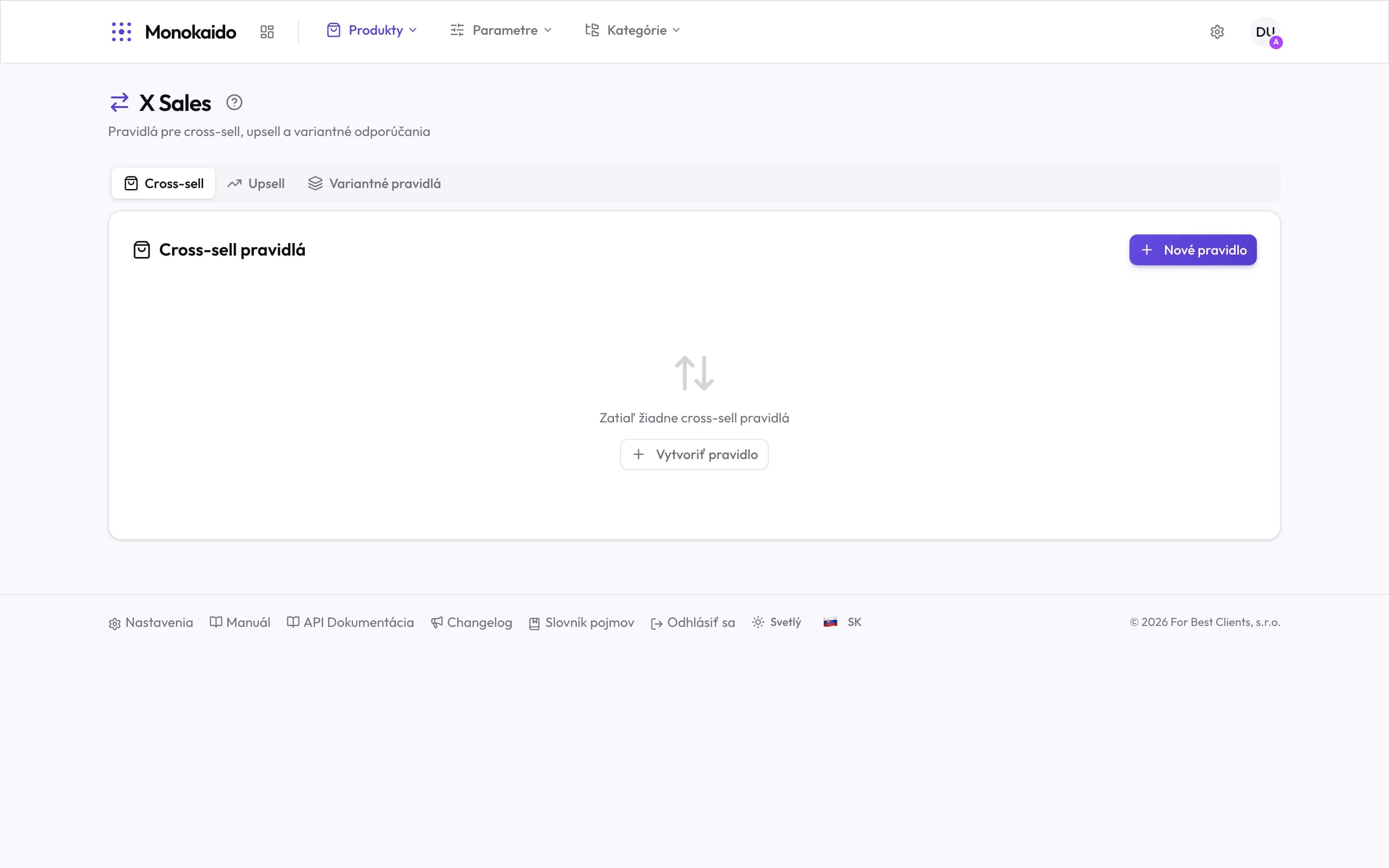
Controls on this screen
- Cross-sell — Complementary goods for what the customer is looking at — a helmet with a bike.
- Upsell — A dearer alternative of the same thing — the higher model of the same type.
- Variant rules — Joining products that differ only by colour or size into a single choice.
- New rule — Creates a rule for the current tab.
- Empty state — With no rules there are no recommendations — not a fault, just work not yet done.
Three kinds of recommendation
| Type | What it offers | Example |
|---|---|---|
| Cross-sell | Different goods that go with this one. | A helmet, a lock and a pump with a bike. |
| Upsell | A dearer version of the same thing. | The higher range against the entry model. |
| Variant rules | Joins separate products that are really variants. | The same jacket in three colours arriving as three products — a rule makes them one choice. |
Recommendations do not appear in the shop.
Either no rules are configured, or a rule catches nothing — for each rule, check how many products meet its condition.
How is this different from product variants?
A variant is part of one product. A variant rule joins products that arrived from a feed as separate ones although they are not.