

Blog settings
Generation frequency, article length and tone, and the approval mode.
This is where you decide how the blog behaves when nobody is tending it. It is the one screen in the section that changes the system rather than the content.
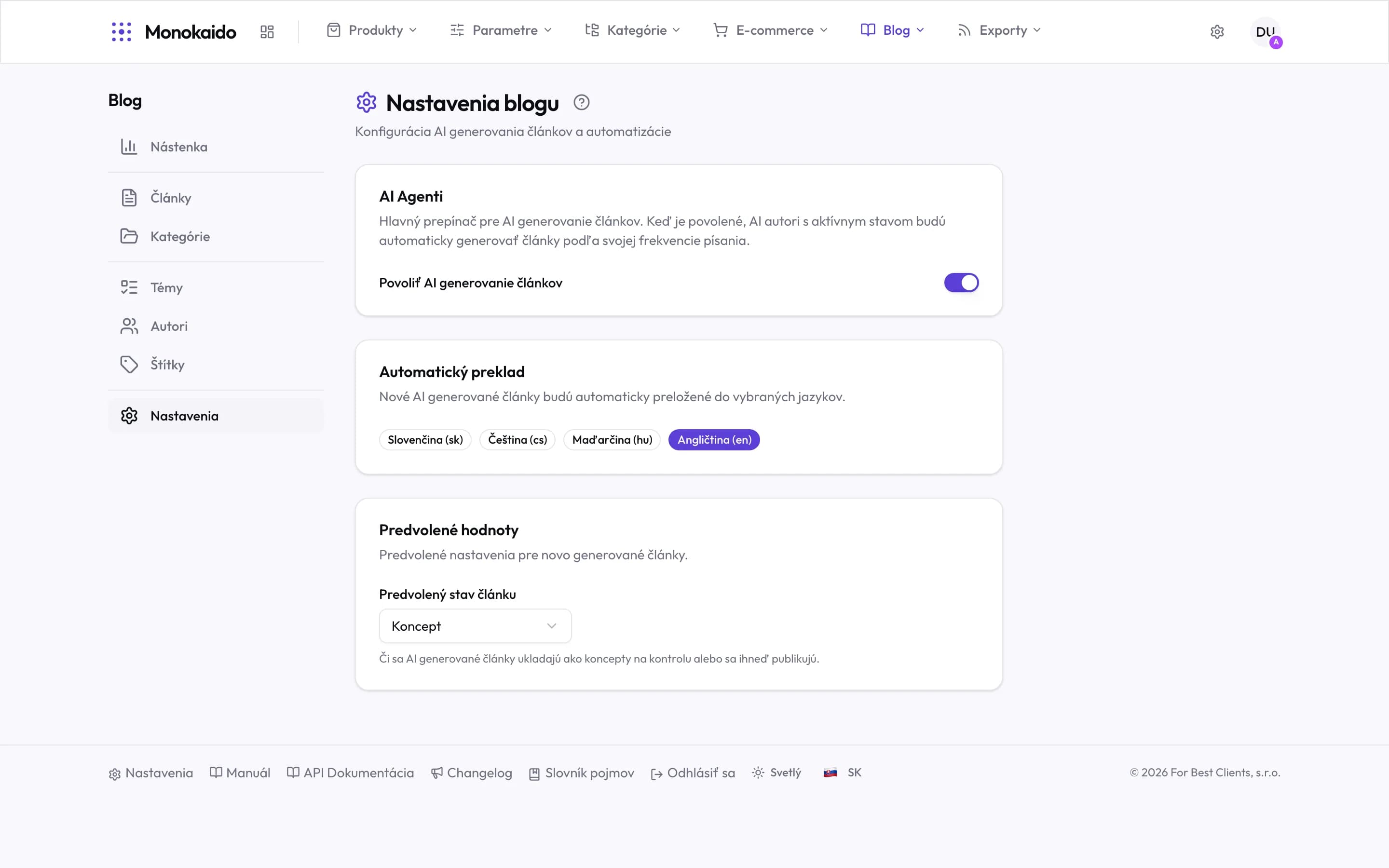
Controls on this screen
- AI agents — The master switch for automatic writing. Off means author schedules do not run — the authors remain, they just go quiet.
- How it works — With the switch on, active AI authors write at their own frequency. That frequency is set on the author, not here.
- Automatic translation — New AI articles are translated into the selected languages. New ones — existing articles are not translated retroactively.
- Selected languages — Highlighted languages are on. Every additional language means more tokens on every article.
- Default article status — Draft means AI articles wait for review. Published means they go straight out.
- Worth thinking about — Publishing directly is convenient, and irreversible in the sense that readers and search engines have already seen it.
What is configured here
| Field | What it does | Note |
|---|---|---|
| Generation frequency | How often topics become articles. | It draws approved topics from the pool. When they run out, generation stops silently. |
| Approval mode | Whether a generated article waits for review or goes out by itself. | The most consequential setting on this screen. |
| Article length | The approximate size of generated text. | Longer is not automatically better; on a thin topic it just dilutes. |
| Languages | Which languages articles are written in. | From the languages enabled in Settings → Languages (Opens in a new tab). |
| Default author and section | What a generated article is pre-filled with. | It saves filling those in on every piece. |
I turned generation off. Do published articles disappear?
No. Turning it off affects only the creation of new ones.
Why was no article generated?
Usually because the pool holds no approved topics. Check the Topic pool.