

Outbound feeds
Creating a feed, choosing products and categories, the output format, and the address you hand to a partner.
On this page
One outbound feed = one recipient. The list screen shows every configured feed, its format, its product count and its address; the detail is where one of them is configured.
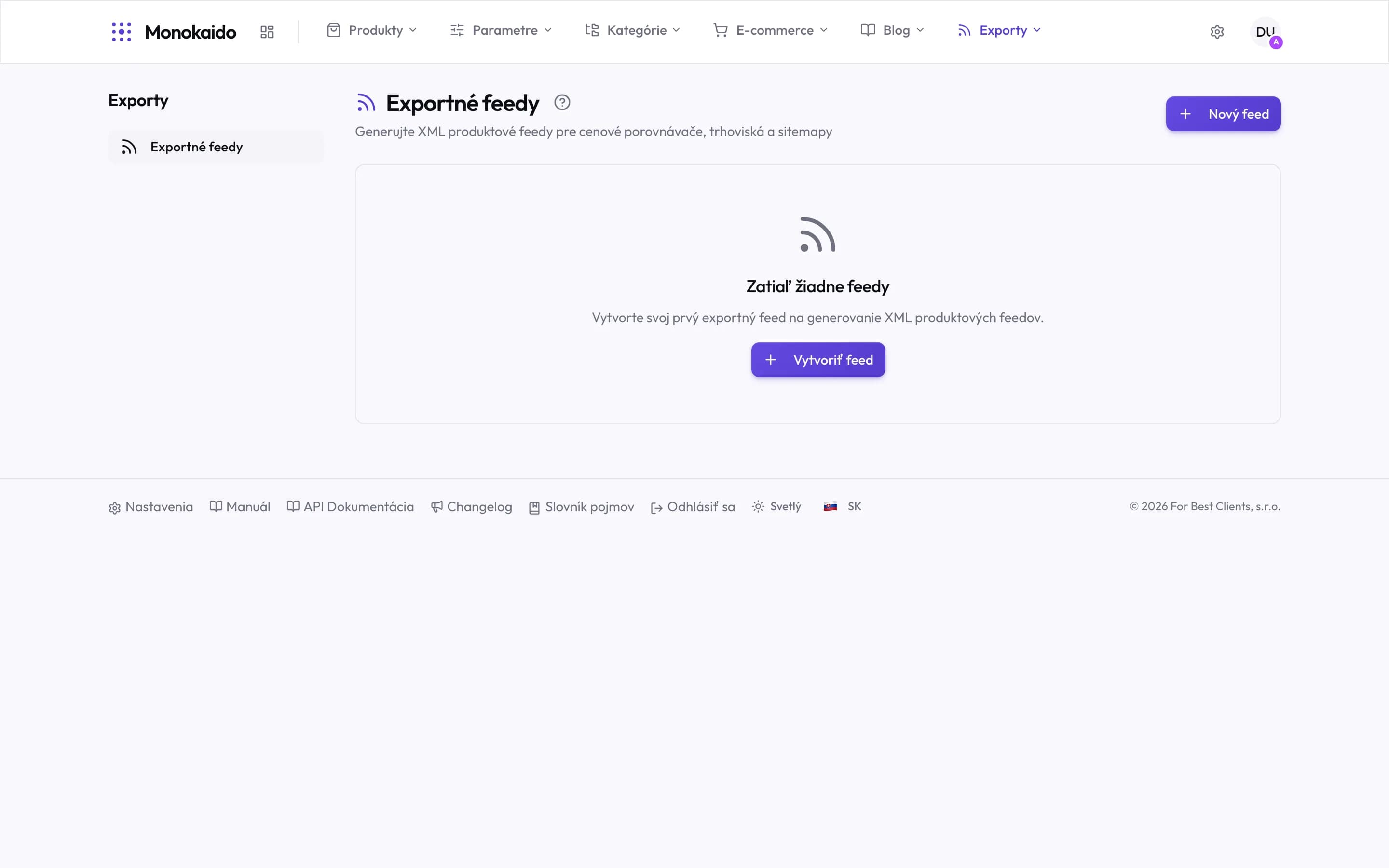
Controls on this screen
- What it is for — XML feeds for comparison sites, marketplaces and sitemaps. Each recipient fetches the content itself.
- New feed — A new output. Its product scope and format are set on it.
- Empty state — With no feed the catalogue goes nowhere. This is a module of its own, not part of the shop.
- Its own section — Exports has its own item in the top menu. For now it holds one screen.
Configuring a feed
| Field | What it does | Note |
|---|---|---|
| Name | The internal name of the feed. | The recipient never sees it. Name it after the partner, not the format — there are usually several of the same format. |
| Feed type | The output structure: Google Merchant, Facebook, Arukereso, Argep or Sitemap. | It decides which fields are required. Sitemap is offered only with the e-shop add-on, because it is built from the addresses of the storefront. Heureka is not among them: Monokaido only reads it as a vendor feed. |
| Language and currency | The language and currency products are written in. | It must match what the recipient expects, or prices convert wrongly and the feed is rejected. |
| Image base address | The prefix prepended to each image path. | Needed when the recipient requires absolute addresses. |
| Product base address | The prefix for the link to the product in the shop. | This is where the comparison site sends the customer. |
| Product selection | Which products belong in the feed. | A feed has no filter of its own. Linked to a storefront in the "Storefront" field (only with the e-shop add-on), it leaves out whatever that storefront hides; otherwise it carries the whole published catalogue. A link left over after the e-shop was switched off is shown in the form and can be removed. Arukereso and Argep also offer a "Product Condition Filter". |
Custom fields (Google Merchant and Facebook)
The "Custom fields" card of a Google Merchant or Facebook feed adds your own
nodes to every item. Name the node (for example g:material), then choose where
its value comes from: a product field (title, price, GTIN, SKU …), a product
parameter, or a fixed text that is the same on every item.
- A name is written once per feed; capitals and the
g:prefix do not make a second one. A name without the prefix must not be one of the feed's own elements (title,link,id…) — useg:titleinstead. - A field named like a node Monokaido writes itself (for example
g:brand) replaces it for the products where the field has a value; where it is empty, the built-in node stays. An empty field writes no node. - A parameter with several values is written as one list separated by commas.
Mapping the recipient's categories
Comparison sites have their own category tree, and without an assignment a product is either misfiled or rejected. That is why a feed has its own Categories screen, where your categories are matched to theirs.
The feed address
A finished feed lives at a permanent address. You hand it to the partner and they download it on their own schedule — nothing further is needed from you.
The comparison site reports errors in the feed.
Almost always a missing required field — most often the EAN, the recipient's category, or an absolute image address. Check in that order.
Why does the feed hold fewer products than I expect?
A feed excludes more than it seems: products with no price, no stock, or in draft status generally do not reach it.
How often is the feed refreshed?
Monokaido regenerates it according to the "Generation Schedule" setting — every 4 hours by default. A catalogue change therefore reaches the feed only at the next generation; to skip the wait, click "Generate Now". How often the recipient downloads it is up to them.