

Discounts and coupons
Discount types, the conditions to qualify, whether they stack, and usage limits.
On this page
A discount has three parts and all three need thinking through: what it reduces, who qualifies, and how many times. Most trouble with discounts comes from the third.
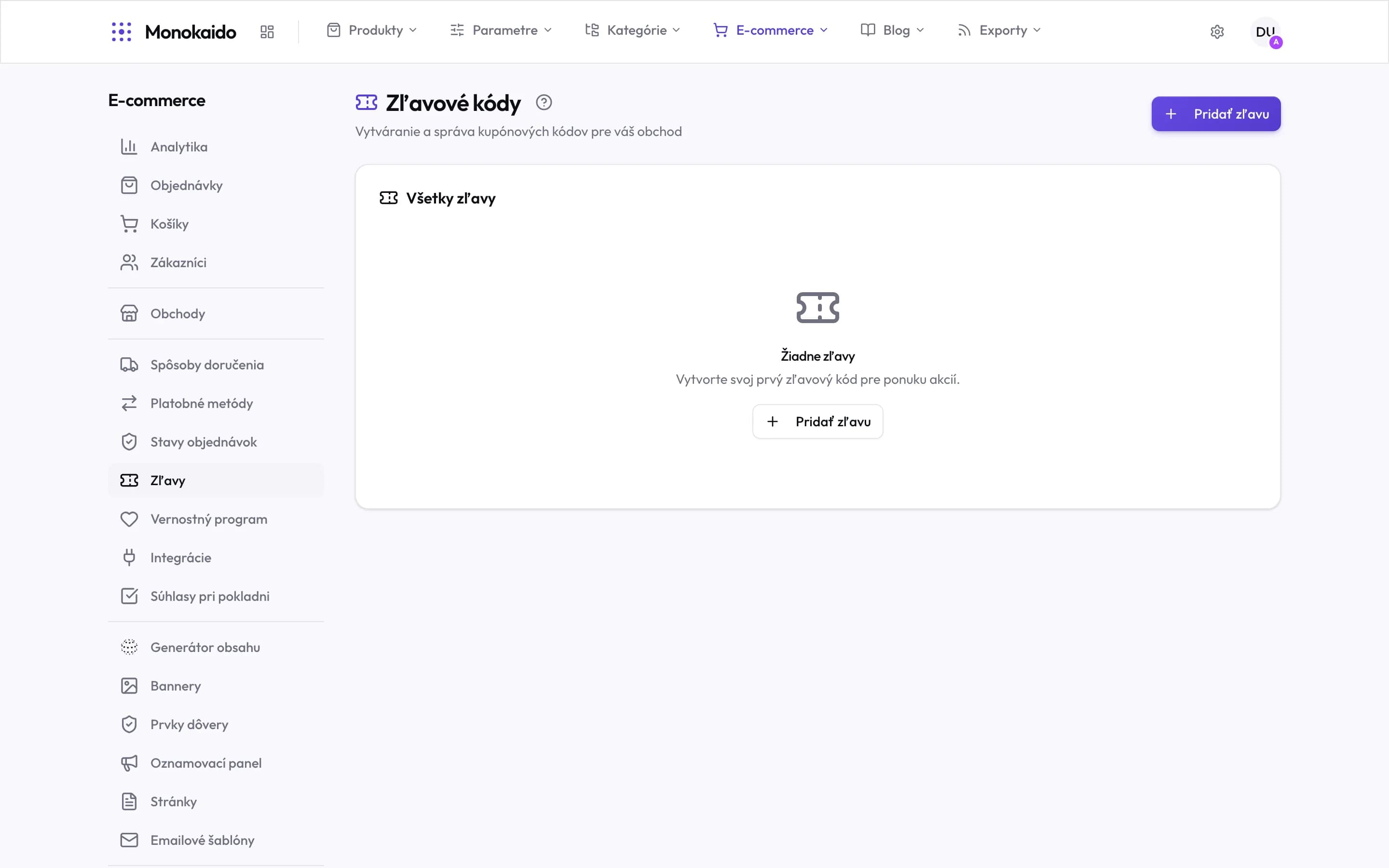
Controls on this screen
- Add discount — A new coupon code.
- All discounts — One list for codes you create by hand and for coupons produced by exchanging loyalty credits.
- Empty state — With no code the shop offers no promotion — a discount is always deliberate.
- Where it lives — In the left ecommerce menu, above the loyalty programme.
Discount types
| Type | What it does | Note |
|---|---|---|
| Percentage | Reduces the price by a percentage. | On expensive goods it can be far more generous than intended — consider a cap. |
| Fixed amount | Subtracts a set sum. | Predictable. On cheap goods, set a minimum order value. |
| Free shipping | Waives the shipping cost. | Often more effective than an equally costly price reduction. |
Conditions
| Field | What it does | Note |
|---|---|---|
| Coupon code | The discount applies once a code is entered. | Without a code it applies automatically to anyone who qualifies. |
| Minimum value | The order total it starts at. | |
| Validity | From when to when. | A campaign discount with no end date can outlive the campaign by months. |
| Scope | Which products, categories or brands it covers. | Remember to exclude goods you have no margin on. |
| Usage limit | In total and per customer. | Without a limit a code spreads and is used many times over. |
| Stacking | Whether it may combine with another discount. | Not worth enabling by default — stacked discounts are the fastest route to selling below cost. |
A customer's coupon did not apply.
Walk the conditions in order: validity, minimum value, product scope, usage limit. It fails on the first one that does not match.
Can a discount be applied retroactively?
No. An order carries the prices in force when it was placed.
How do I see how often a code was used?
The usage counter sits on the discount; the individual orders are found by filtering in Orders.