

Exchange rates
The rates used to convert feed prices, where they come from, and how often they refresh.
Available to roles AdminOpen in the app (Opens in a new tab)
When a vendor sends prices in a currency you do not sell in, something has to convert them. This screen decides at what rate.
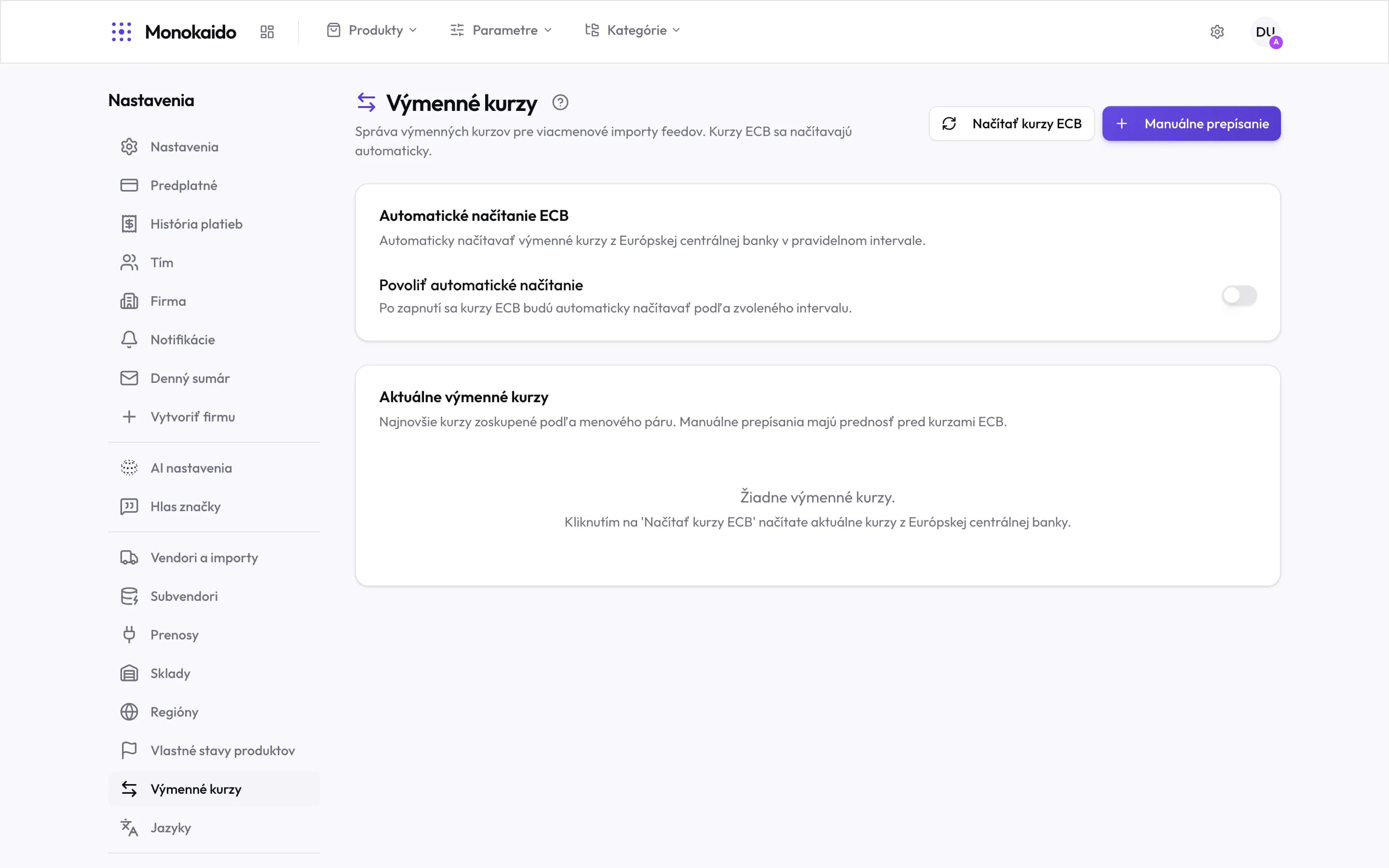
Controls on this screen
- Fetch ECB rates — A one-off download of current European Central Bank rates.
- Manual override — Your own rate for a specific currency pair.
- Automatic fetch — Regular downloading of ECB rates.
- The toggle — While it is off, rates do not refresh themselves — conversions run on whatever is stored.
- Precedence — A manual override beats the ECB rate. The screen says so outright.
- The rate list — The latest rate per currency pair. An empty list means nothing has been fetched yet.
Two sources of a rate
| Source | From | When it applies |
|---|---|---|
| ECB | The European Central Bank. | The default source. With automatic fetching on, it refreshes itself. |
| Manual override | A rate you enter. | It beats the ECB rate. Use it when you have a fixed rate agreed with a vendor. |
Prices from a feed came out wrong.
Check whether a rate for that currency pair has been fetched at all, and when. A missing rate is the most common cause.
I want a fixed rate for the whole year.
Enter a manual override. It takes precedence and does not move until you change it.