

Glossary
An explanatory list of the terms Monokaido uses — reachable from the footer of every screen.
Available to roles Admin, Editor, ViewerOpen in the app (Opens in a new tab)
The built-in glossary. It is a reference, not a setting — nothing here is editable and nothing it says changes how anything behaves. It does one job: when you meet a term in the application you do not know, this explains it.
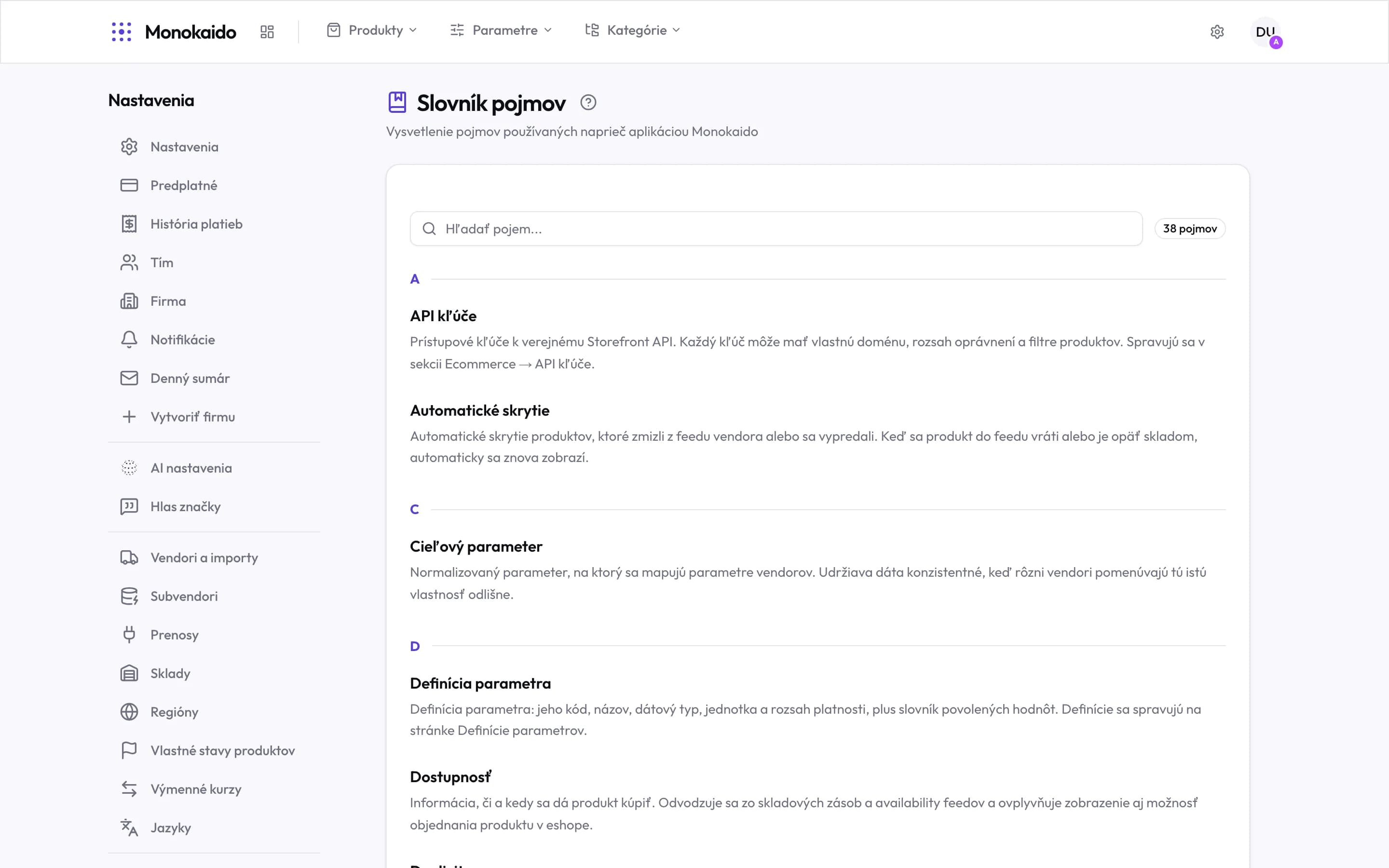
Controls on this screen
- Search — Quicker than working through the alphabet.
- Term count — How many entries the glossary holds.
- Alphabetical grouping — Entries are grouped by first letter.
- Entry — The term as it appears in the application.
- Explanation — What it means, and where in the application it is configured.
Where to find it
The Glossary link sits in the footer of every screen, next to the link to this manual. You never have to leave what you are doing.
Can I add my own term?
No. The glossary is part of the application and is the same for every company.
Does the glossary affect translations or the AI?
It does not. It is an explanation for people. How the AI writes is governed by Brand voice; how it translates, by the language settings and manual corrections.