

Checkout consents
Consent checkboxes at checkout: the wording, whether they are required, and where the proof is kept.
A consent is a checkbox at checkout. Some you must have (terms), some you want (marketing) — and for both, what matters more than the box itself is the proof that the customer ticked it.
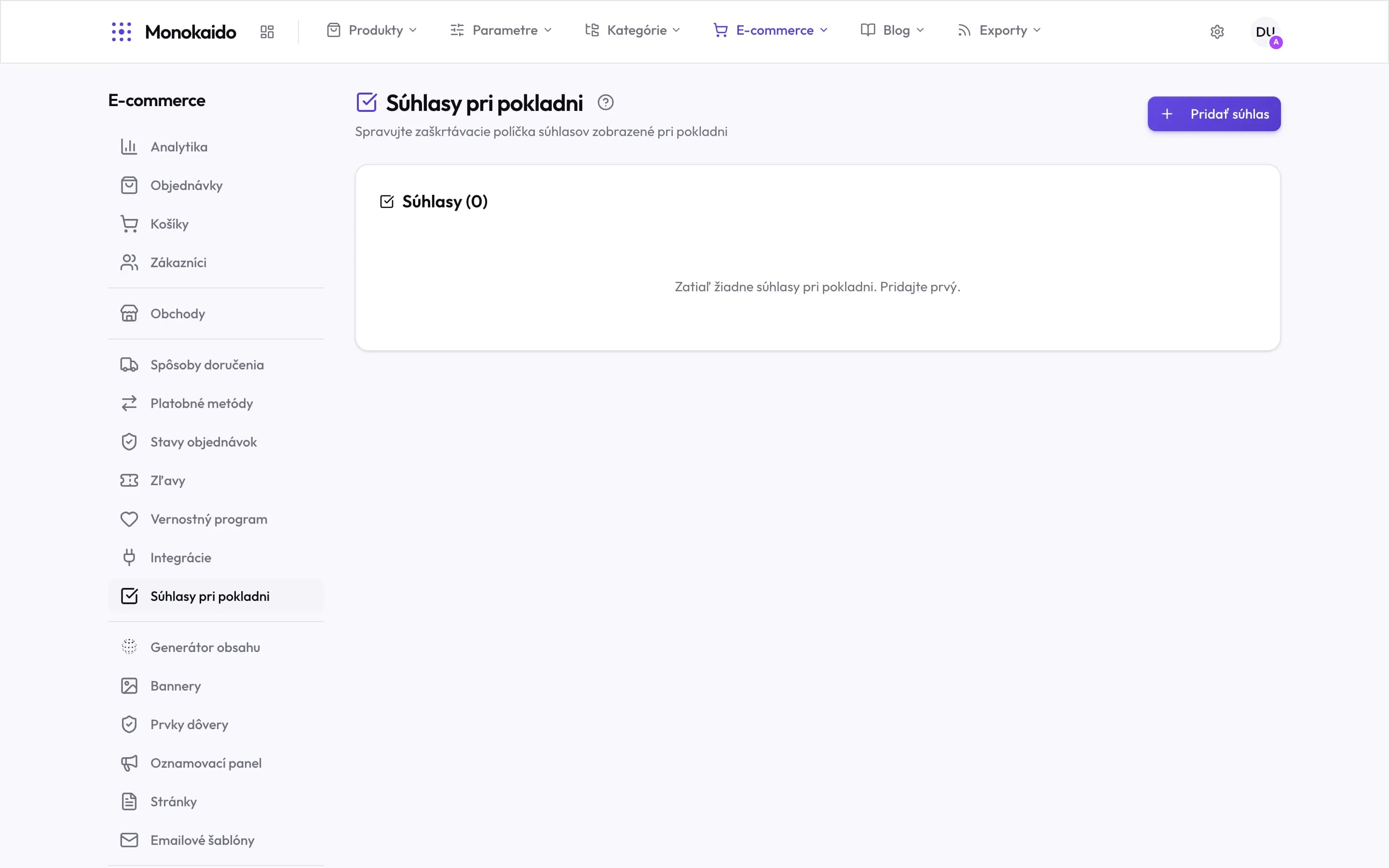
Controls on this screen
- What these are — The checkboxes a customer meets when completing an order.
- Add consent — A new checkbox. Its wording and whether it is required are set on it.
- Consent count — Zero means a checkout with not a single checkbox.
- Empty state — The shop will work, but it collects no recorded consent — that is your call, not a technical obstacle.
- Where it lives — In the left ecommerce menu, at the end of the operations group under integrations.
Configuring a consent
| Field | What it does | Note |
|---|---|---|
| Text | Exactly what the customer is agreeing to. | With a link to the document. The wording is stored with the consent — changing it later does not change what earlier customers agreed to. |
| Required | Whether the order can be completed without it. | Only a genuinely required consent may be mandatory. A marketing consent must not be. |
| Pre-ticked | Whether the box is checked in advance. | Never for marketing — consent has to be an active act. |
| Order | Its position at checkout. |
Where do I see what a customer agreed to?
On the customer detail and on the order, with the time and the exact wording.
I changed the consent text. Does it apply retroactively?
No. Old consents carry the wording in force when they were given — precisely so they work as proof.