

Bulk actions
Changing many products at once: choosing the scope, previewing the impact, and what can be undone.
On this page
"Bulk action" means two different things in Monokaido, and it is worth separating them at the outset:
| What | Where it starts | When it runs |
|---|---|---|
| A one-off bulk action | The Actions menu in the floating bar of the product list, over the selected or all filtered products. | Now, once. |
| A bulk-action rule | This screen. | Repeatedly, on a schedule — the action is applied automatically to whatever matches a saved filter. |
This chapter is about the second one.
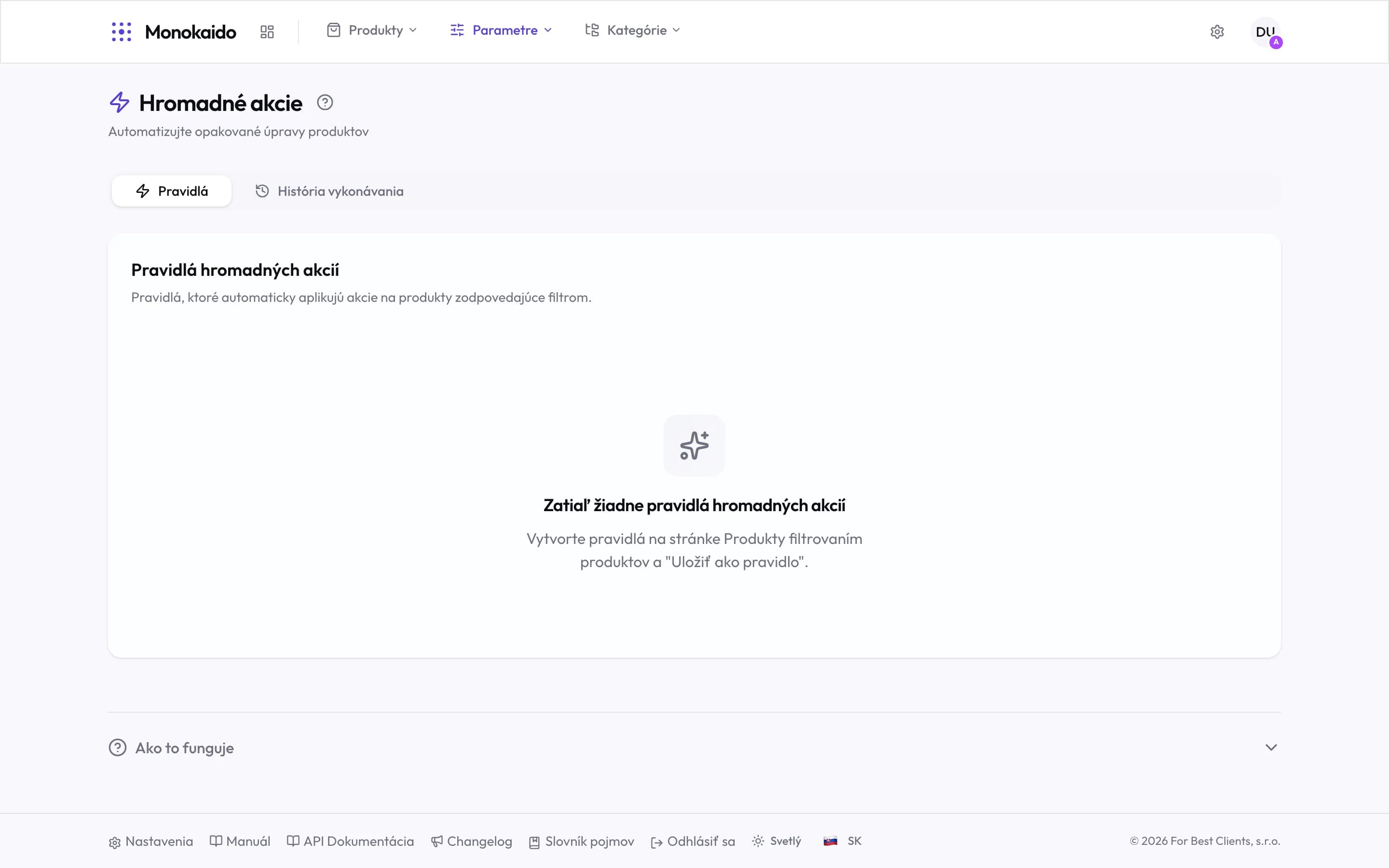
Controls on this screen
- Rules — Saved prescriptions: a filter, plus the action to apply to it.
- Execution history — When each rule ran and how many products it touched. This is where you come to check the impact.
- What a rule does — Applies an action to the products matching a filter — not to a selection you ticked once.
- Where rules come from — Filter the product list and use "Save as rule". The empty screen says so outright.
- How it works — A summary of the procedure, on the screen.
How a bulk-action rule is made
Filter the set in Products
The filter is the definition of who the action applies to. It is worth eyeballing first — the number of matches is in the floating bar.
Choose the action
Switch the bar to All Filtered and click Bulk Actions. In the Save as Recurring Rule window, enter a name and pick the action: status, category, brand or parameter.
Save as a rule
Instead of running once, a prescription is stored. It only runs by itself if you turn on Enable Scheduling; from then on each run applies the action to every product that matches the filter — including the ones that arrive tomorrow. Without a schedule, run it on this screen with Execute Now.
What can be undone
Only some of it. A bulk action records status, category and brand changes in Changes to review, where you revert them product by product; they carry the label "User · bulk-action". Parameters, tags and templates are not recorded, and flags such as orderability are recorded as already reviewed, so those changes cannot be reverted there — put them right with another bulk action. But while the rule is enabled the next run makes the change again; disable the rule first.
Execution history says how many products each run touched. It is the first place to look when "something went wrong across the board".
The screen is empty. Where is a rule created?
In the product list: filter a set, switch the bar to "All Filtered" and click "Bulk Actions". This screen is a list and a history, not an editor.
How is this different from Rules?
Rules work from a condition on an individual product and are applied on every import. Bulk-action rules work from a filter over a set and apply an action that is otherwise available in the product list.
How many products can one run handle?
Large sets are processed in the background; you can watch them in Background processes.