

Exports
How the catalogue becomes an outbound feed for comparison sites and partners.
On this page
An export is the inverse of a vendor feed. Where a feed brings products to you, an export sends them out — to a comparison site, to Google Merchant Center, to a partner, or to any system that can read a file at an address.
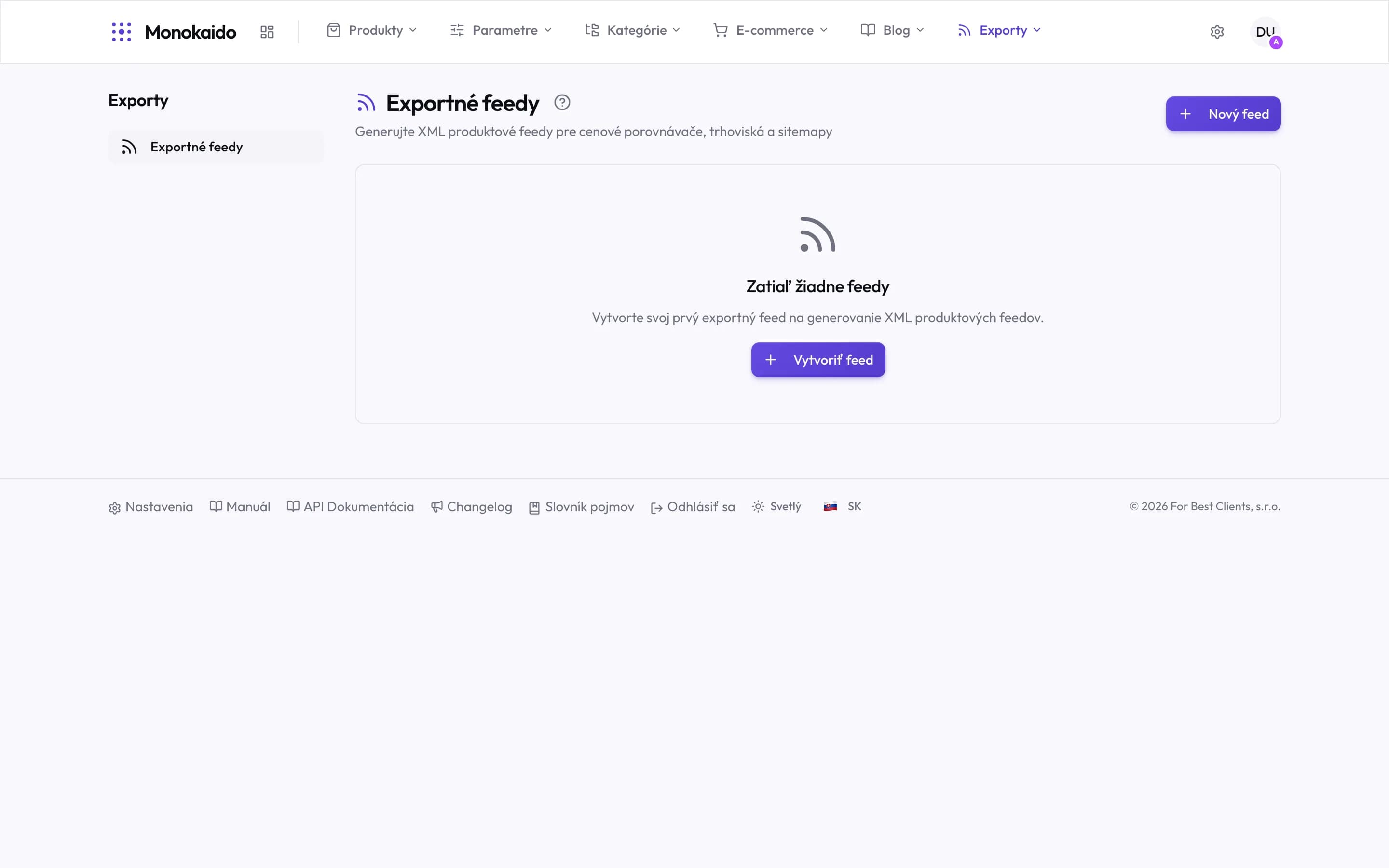
Controls on this screen
- Outbound feeds — The only item in the section. Everything else is configured on the feed itself.
- What the section is for — XML feeds for comparison sites, marketplaces and sitemaps — the catalogue going out.
- In the top menu — Exports is its own item beside Blog. It appears only when the package includes it.
Why it is a module of its own
There is one catalogue, but every recipient wants something different:
- a different selection of products (a comparison site does not want priceless products; a partner wants one brand only),
- a different structure (every comparison site has its own format and its own required fields),
- different categories (each has its own tree, which yours has to be mapped onto).
So an export is not "download the catalogue" — it is a standing prescription, set once and then kept current by itself.
How it works
Create a feed
Choose the format and give it a name.
Choose what goes in it
Link it to a storefront and the feed leaves out whatever that storefront hides. Without one, it carries the whole published catalogue.
Map the categories
Yours onto the recipient's.
Hand over the address
The feed lives at a permanent address; the recipient downloads it themselves.
In detail in Outbound feeds.