

Announcement bar
The strip above the shop header: wording, colour, validity, and whether a customer can dismiss it.
A narrow strip above the shop header. It is the most visible spot in the whole shop, which is exactly why it should carry one thing at a time.
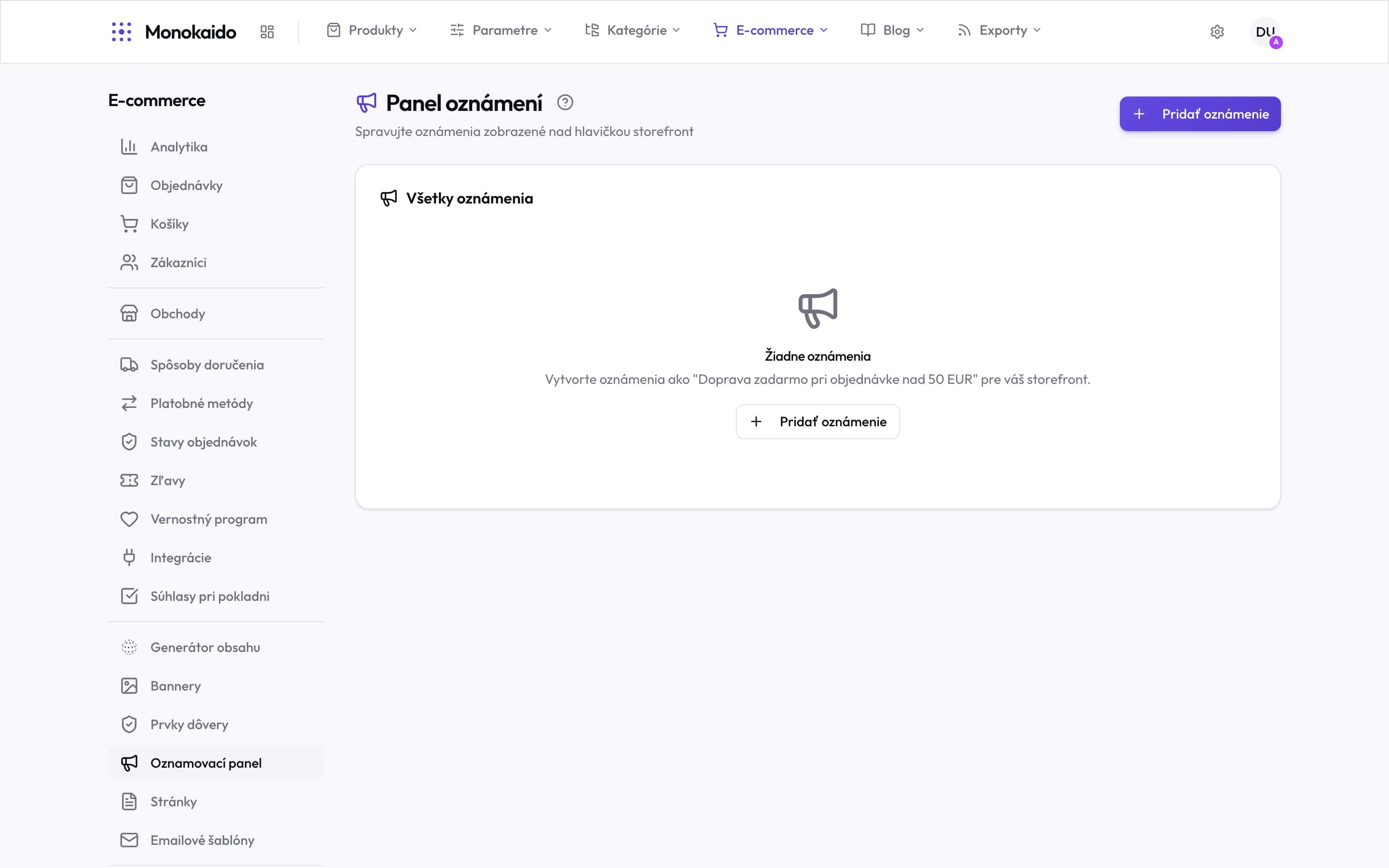
Controls on this screen
- Where it appears — Above the storefront header, and therefore above everything else. Which is why it deserves restraint.
- Add announcement — A new announcement. Its text and active period are set on it.
- All announcements — One list. Several active at once means a bar nobody reads.
- Empty state — The example in the text is a good model: a specific promise with a condition, not a general sentence.
- Where it lives — In the left ecommerce menu, in the content group after trust elements.
Configuration
| Field | What it does | Note |
|---|---|---|
| Text | One sentence. | A free-shipping threshold, holiday delivery times, a sale in progress. |
| Link | Where the bar leads. | Optional. If the text promises a sale, the link should reach it. |
| Colour | Background and text. | It has to stay readable; contrast matters more than the shade. |
| Validity | The dates it runs between. | A holiday deadline still up after the holidays reads as neglect. |
| Dismissible | Whether a customer can close it. | Switch this on — a permanent bar that cannot be closed irritates on every page load. |