

Transfer logs
What was handed to connected systems, when, and with what result — including the XML that was sent.
An import brings data in; a transfer sends it out — to an ERP or another connected system. This screen is its history: when something was sent, what was sent, and what the other side said about it.
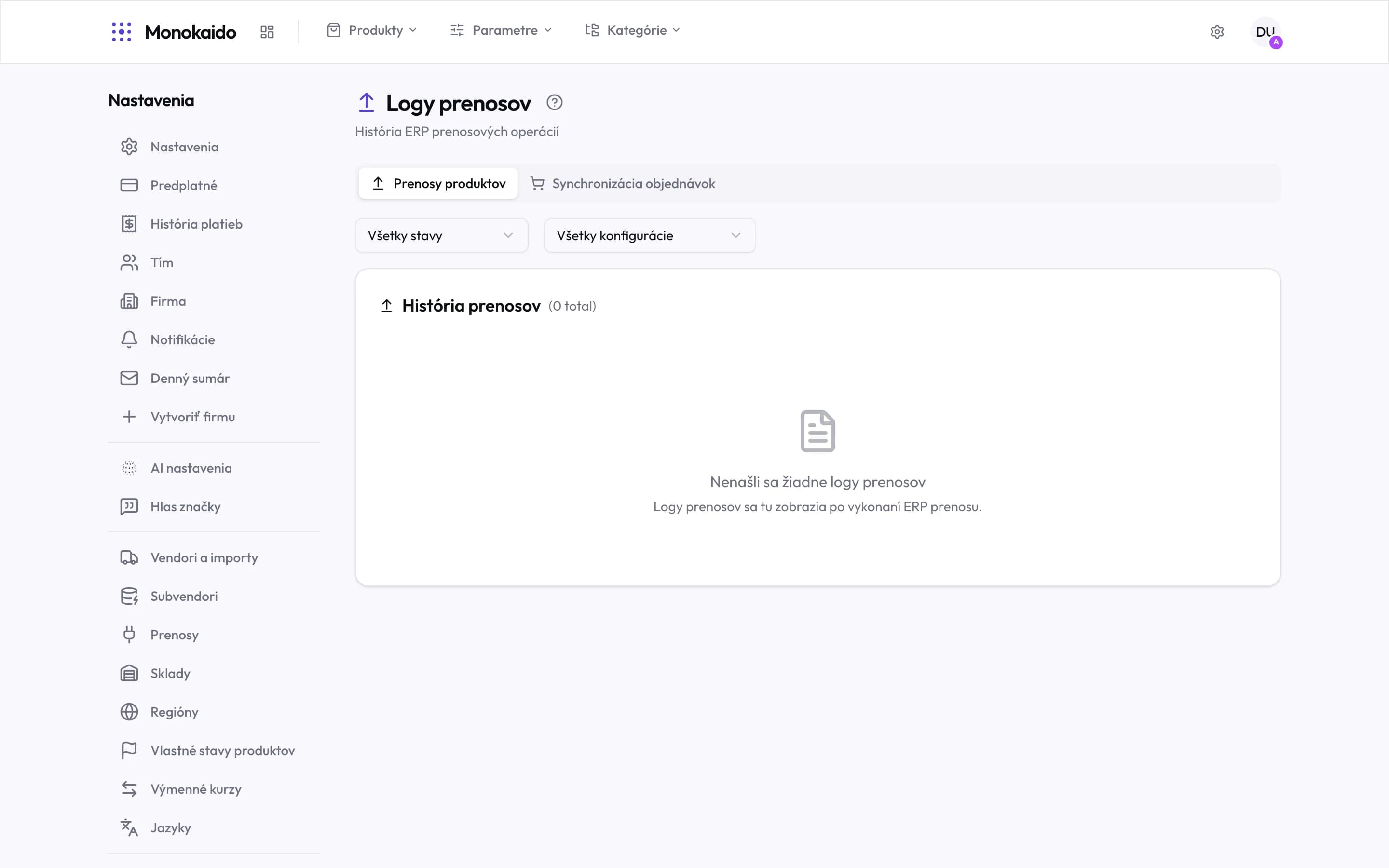
Controls on this screen
- Product transfers — Handing products to the ERP: new ones, changes, prices and stock.
- Order syncs — The other direction — orders from the shop into the ERP. Only with ecommerce on.
- Status filter — Completed, running, error, cancelled. When chasing a problem, start with errors.
- Config filter — With more than one connection, narrows the list to a single one.
- History and count — How many runs match the filter.
- Empty state — It says exactly what it is: no transfer has run yet.
Two tabs, two directions
| Tab | Direction | What a record holds |
|---|---|---|
| Product transfers | Monokaido → ERP | Config, start, progress, duration, status, and both the request and response XML. |
| Order syncs | Shop → ERP | The order, the customer, the ERP id, the payment status and its XML. |
Why the log carries XML
A transfer is a conversation between two systems, and a failure is usually one sentence of that conversation. So both the request sent and the response received are kept — and for orders, the payment ones too. When an ERP rejects a product, the response says why, in its own words.
Statuses
| Status | What it means |
|---|---|
| Pending | The run is scheduled and waiting. |
| Running | In progress; the progress is shown. |
| Completed | It ran through. It may still carry warnings on individual products. |
| Error / Failed | The transfer did not go through. The reason is in the response XML. |
| Cancelled | Stopped — either by a person or by a newer run. |
I cannot see this screen in the menu at all.
The company has no transfer set up. Connections are switched on under Transfers, and until one works its logs would be permanently empty.
The transfer completed but the product is not in the ERP.
Expand the response XML. A completed run means the conversation happened — not that the other side accepted every product.
How do I run a transfer by hand?
Not from here. This screen is history only; a run starts in Transfers or from a product detail.