

Shipping
Shipping methods, their price, free shipping, and pickup points.
On this page
After price, shipping is the second thing that decides whether an order is completed. The configuration has two layers: which methods you offer and what you charge for them.
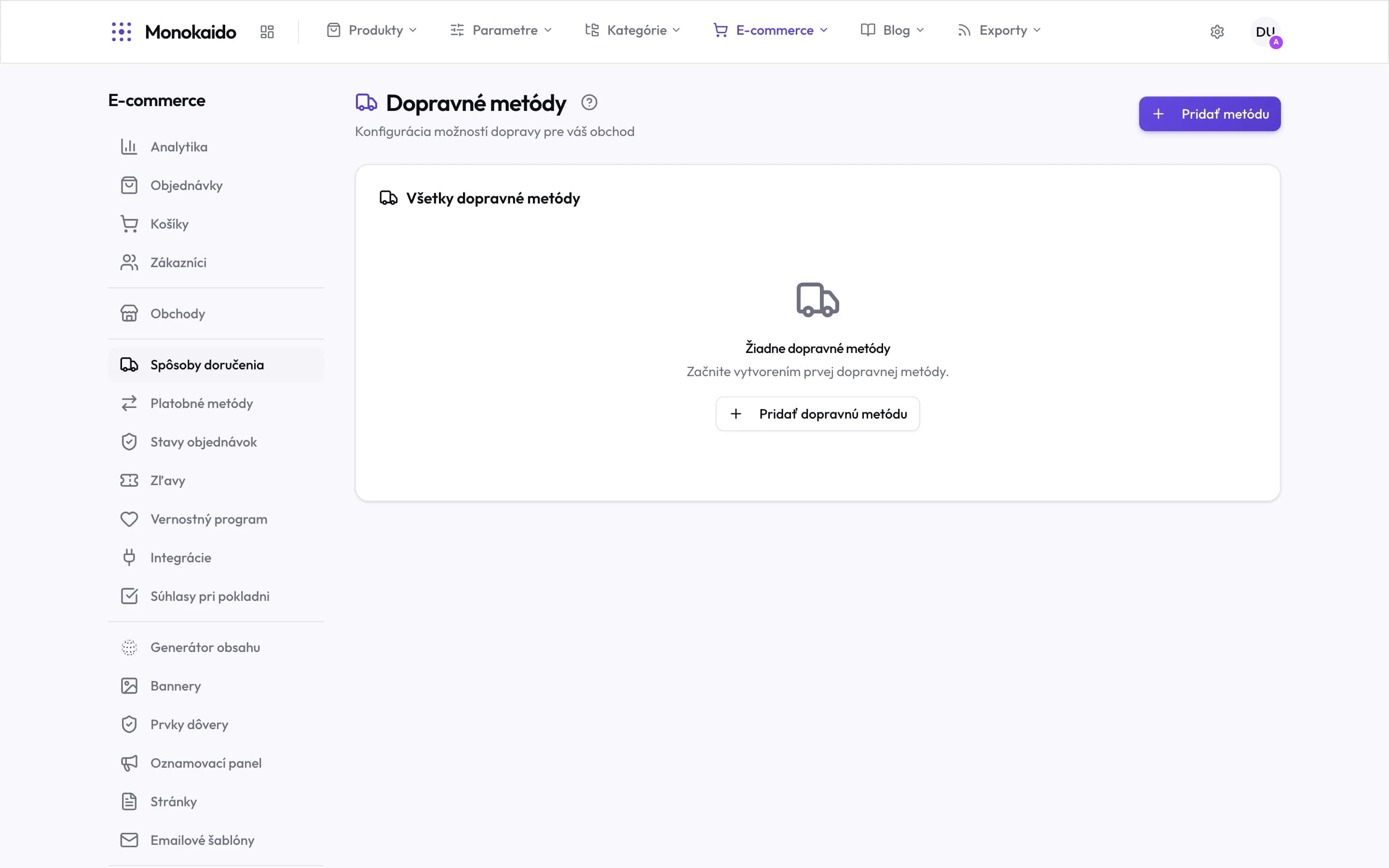
Controls on this screen
- Where it lives — In the left ecommerce menu, between shops and payment methods.
- Add method — A new method. The same button sits in the empty state in the middle.
- All shipping methods — A single list — its order is the order the customer sees.
- Empty state — Not an error but an unfinished setup: with no method, an order cannot be completed.
A shipping method
| Field | What it does | Note |
|---|---|---|
| Name and description | What the customer reads at checkout. | Add the expected delivery time — it is the most common question. |
| Storefront Targeting | Which shops offer the method. | Leave it empty for every shop. |
| Price | What shipping costs. | One amount for the whole order. For another currency you can set its own price under “Prices by currency” instead of an exchange-rate conversion. |
| Free shipping from | The threshold above which shipping is free. | Shown in the cart as an incentive to add more. |
| Pickup points | Whether the customer chooses a branch. | For carriers with a branch network; the choice happens at checkout. |
| Product Filters | Which products the method is meant for: a category, a brand or parameter conditions. | When the cart holds a matching product, only the methods with a matching filter are offered. That is how oversized goods go only with a carrier that can take them. Filters can be added once the method has been saved. |
How the price is worked out
Checkout charges the price set on the method. When the customer pays in another currency, the price under “Prices by currency” is used; if there is none, the price is converted at the exchange rate. Once the value of the goods in the cart reaches the free-shipping threshold, shipping is not charged.
No shipping method appears for the customer.
Check that the method is active and that storefront targeting does not reserve it for another shop. A method with product filters is also offered only when the cart holds a matching product. If every method has filters and no product in the cart matches, the customer sees nothing.
The shipping price came out differently from what I expected.
Check the method's price and, for another currency, “Prices by currency”. The weight of the goods has no effect on the price, and the order value only decides whether it has reached the free-shipping threshold.